



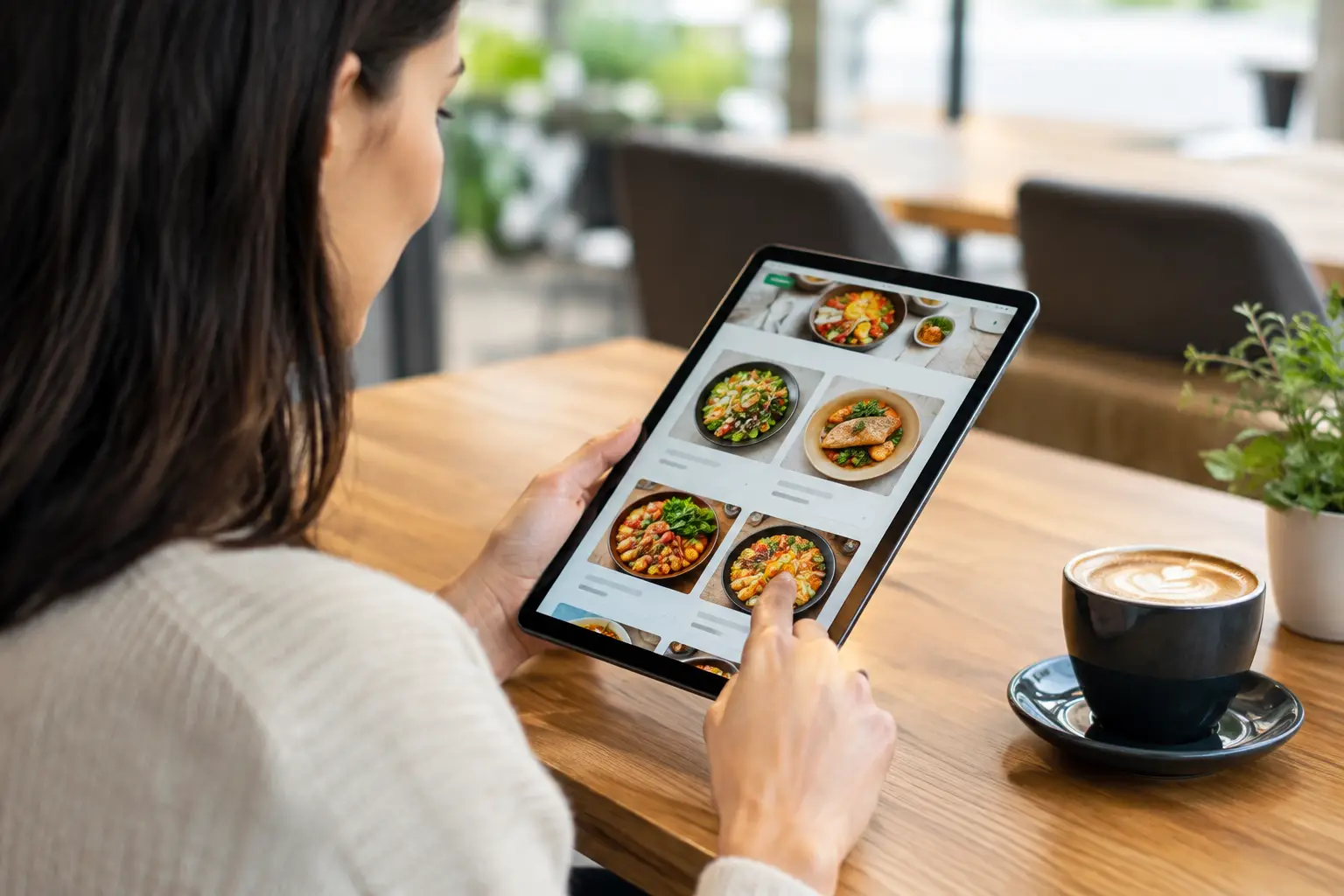
A customer is standing outside your restaurant, searching your name on a phone, and deciding where to eat in less than a minute. The best online menus restaurants use do more than display food items. They make prices easy to find, answer dietary questions, support online orders, and give customers a reason to choose your business over the place down the street.
For many independent restaurants, the menu is the most visited page on the website. Yet it is often treated as an afterthought: a blurry PDF, an outdated photo, or a third-party listing that shows the wrong prices. That creates friction at exactly the moment a hungry customer is ready to act.
What the Best Online Menus Restaurants Use Get Right
The right format depends on the restaurant. A quick-service restaurant needs speed, clear modifiers, and ordering options. A higher-end restaurant may need better photography, thoughtful descriptions, wine pairings, and a polished visual experience. But every effective online menu has the same commercial job: help customers make a confident decision and move them toward a reservation, order, or visit.
A strong menu is built as a real web page, not just uploaded as a document. Web-based menus load faster on mobile devices, can be indexed by search engines, and are much easier to update when pricing or availability changes. They also give your business more control over the customer experience than a marketplace profile alone.
The best online menus are clear before they are clever. Guests should be able to understand the cuisine, find popular categories, see current prices, and spot key dietary details without pinching, zooming, or scrolling through five pages of tiny text.
Start With the Customer’s Actual Decision
Restaurant owners naturally think about a menu by course, kitchen station, or food cost. Customers approach it differently. They want quick answers: What can I get here? What does it cost? Is there something for my dietary needs? Can I order now? Is this place close enough and open when I need it?
Your digital menu should answer those questions in that order. Put the essentials near the top: cuisine type, ordering or reservation action, service hours, and the categories customers expect. If lunch, dinner, brunch, catering, and takeout menus differ, label them clearly. Making people guess which menu applies is an easy way to lose orders.
Descriptions should help the guest decide, not fill space. A short description can explain ingredients, spice level, preparation, or portion style. For example, “wood-fired chicken, lemon herb sauce, seasonal vegetables” is more useful than a vague phrase such as “chef’s favorite.” Keep descriptions consistent so the page feels organized and trustworthy.
Pricing needs the same discipline. If a price is subject to change, update it promptly. Nothing damages confidence like a customer arriving to find that the website price and in-store price do not match. It can also create avoidable staff conversations during a busy service.
Build the Menu for Mobile First
Most restaurant discovery happens on a phone, especially for local searches such as “pizza near me,” “brunch near me,” or a specific restaurant name. If the mobile menu is difficult to use, a good desktop design will not save it.
Use readable type, generous spacing, and buttons that are easy to tap. Important actions such as Order Online, Reserve a Table, Call Now, and Get Directions should be visible without forcing customers to search for them. A sticky order button can work well for takeout-focused restaurants, but it should not cover menu content or become distracting.
Avoid relying on PDFs as your primary menu. A PDF may be helpful as a printable version for private events or accessibility needs, but it should not be the main experience. PDFs are often slow on mobile, difficult to search, and frustrating when customers need to zoom in to read a dish or price.
Images deserve restraint. Professional food photography can increase appetite and reinforce your brand, particularly for signature dishes. Too many large images, however, can slow down the page and make a menu feel harder to scan. Use images to sell your most distinctive items, not to photograph every appetizer.
Make Dietary Information Easy to Trust
Dietary preferences are a purchase decision, not a minor detail. Guests may be looking for vegetarian, vegan, gluten-free, halal, nut-free, dairy-free, or spicy options before they decide whether your restaurant fits their group.
Simple icons can help customers scan faster, provided they are explained. Include a short legend and use the same labels throughout the menu. Be careful with allergy language. If cross-contact is possible, say so clearly rather than implying a guarantee the kitchen cannot make.
This is also a useful place to show operational care. Clear allergen and dietary information reduces uncertainty for guests and can reduce repetitive questions for your team. If substitutions are available, state what can be changed and what cannot. That clarity protects the customer experience and helps staff manage expectations.
Support Search Visibility Without Writing for Robots
A menu can help your restaurant appear for the dishes and cuisine people are actively searching for. Search engines need visible text to understand what you serve. An image-only menu or scanned PDF gives them very little useful information.
Use descriptive category names and natural dish names. Include relevant terms where they make sense, such as “wood-fired pizza,” “Thai lunch specials,” or “vegan sushi.” Your location matters too. A restaurant website should make it easy to connect the menu to its city, neighborhood, and service area.
Do not turn every description into a string of keywords. Customers can spot that immediately, and it weakens the brand. The goal is an accurate menu that is readable for people and understandable for search engines. Those two goals usually align.
Your menu page should also match the information on your Google Business Profile, social platforms, ordering system, and printed menu. Inconsistent hours, phone numbers, categories, or pricing create confusion. Consistency gives customers confidence and helps local search platforms verify your business details.
Choose Ordering Technology Based on Your Business Model
There is no single best ordering setup for every restaurant. Third-party delivery platforms can expand reach and make delivery logistics easier, but their fees and customer ownership trade-offs should be considered. Direct ordering through your own website can protect margins and give you more control over customer data, promotions, and repeat business.
Many restaurants benefit from using both. Marketplace apps can introduce new customers, while a website can encourage returning guests to order directly. The menu should make the preferred path obvious without hiding options customers already use.
Before choosing a platform or integration, check four practical points:
- Can staff update items, prices, and sold-out dishes quickly?
- Does the ordering flow work well on iPhone and Android devices?
- Can it connect to your point-of-sale system or create a manageable kitchen workflow?
- Does it track completed orders, calls, reservations, and other conversion activity?
A visually attractive ordering tool is not enough if it causes duplicate work, misses modifiers, or makes reporting impossible. The best setup is the one your team can operate during a Friday night rush.
Keep the Menu Current and Measurable
A digital menu should not be a one-time website task. Seasonal dishes change, ingredient costs move, and special events create new opportunities. Give one person clear responsibility for menu updates, even if your web partner handles the technical work.
Track what happens after a customer visits the page. Are people clicking Order Online? Calling the restaurant? Requesting catering? Viewing directions? These actions reveal whether the menu is doing its job. If visitors spend time on the page but rarely take action, the issue may be unclear calls to action, slow load times, missing prices, or an ordering process that asks for too much too soon.
For restaurants investing in Google Ads or local SEO, this measurement matters even more. Sending paid traffic to a generic homepage instead of a useful menu or location page can waste budget. A focused landing experience helps connect marketing spend to real calls, reservations, and orders.
A Menu That Helps Customers Choose You
Your online menu is part sales tool, part customer service, and part local search asset. It should look like your restaurant, but it also needs to work under real conditions: a commuter ordering from a phone, a parent checking allergy options, or a group trying to pick a dinner spot quickly.
If the page is outdated, hard to read, or disconnected from ordering and tracking, fixing it can create immediate value. Drop That Code helps local restaurants build mobile-friendly websites and menu experiences designed to turn search visibility into measurable customer action.
Start with the decision your next customer needs to make. Make that decision easier, keep the details current, and let the quality of your food be the reason they come back.



Comment (1)
Website Accessibility Compliance Guide for Businesses - Drop That Code
[…] deserve attention as well. A downloadable menu, price sheet, intake form, or brochure should be readable with assistive technology. In many cases, […]