



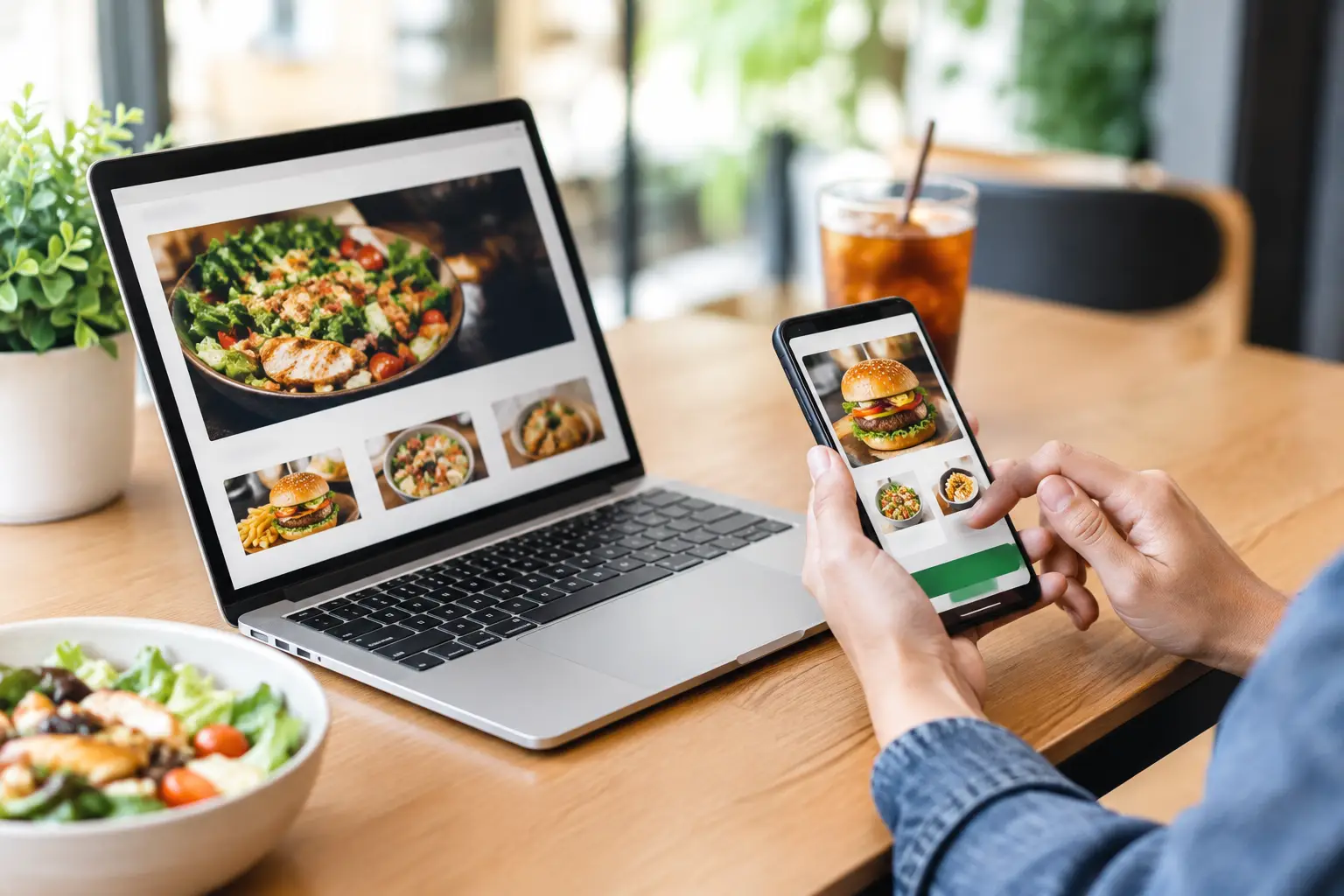
Friday dinner service can be busy even when the dining room is not. A customer finds your menu on their phone, wants to order in under two minutes, and leaves if the process feels slow, confusing, or expensive. A restaurant online ordering website gives that customer a direct path from search to checkout while giving your business more control over every order.
Third-party delivery marketplaces can bring useful exposure, especially for a newer restaurant. But they also place your menu beside competitors, charge commissions, and often keep the customer relationship at arm’s length. Your own ordering website is where you can build repeat business, protect margins, and make ordering feel like an extension of your restaurant rather than another app.
Why Direct Online Ordering Matters
A direct ordering site is not simply a digital menu with a checkout button. It is a sales tool that should make it easier for customers to choose you, customize an order, pay securely, and return next week without friction.
The financial case is usually clear. Marketplace fees can take a meaningful share of each order, while direct orders generally cost far less to process. Exact savings depend on your delivery setup, payment provider, and current agreements, but even moving a portion of regular customers to direct ordering can improve the economics of busy nights.
The customer-data benefit matters just as much. When people order through your own site, you can learn what sells, which promotions work, and how frequently guests return. That creates practical opportunities for email offers, loyalty programs, seasonal menu announcements, and targeted campaigns. You are not guessing who your best customers are based on a limited dashboard.
Direct ordering does not have to replace marketplaces overnight. For many restaurants, the right approach is to use delivery apps for discovery while making the restaurant website the best place for regulars to order. The site has to earn that preference through faster checkout, clear pricing, and a better overall experience.
What a Restaurant Online Ordering Website Needs
A restaurant online ordering website should remove decisions and delays, not add them. Customers should immediately understand whether you offer pickup, delivery, or both, what areas you serve, how long an order will take, and how to start.
A menu built for fast decisions
Your menu needs more than accurate item names. Organize it the way people order: popular categories first, readable descriptions, prices, modifiers, add-ons, dietary details, and clear images where they genuinely help. A crowded menu with inconsistent options causes abandoned carts and staff questions.
Modifiers deserve special attention. Guests need a straightforward way to select spice level, protein, sides, toppings, allergies, and special instructions. At the same time, the system should prevent impossible combinations or vague notes that create avoidable kitchen errors. Good ordering logic protects both the guest experience and your operations.
Mobile-first checkout
Most restaurant searches and orders begin on a phone. If buttons are hard to tap, the menu takes too long to load, or the checkout asks for unnecessary information, customers will leave before they pay.
A strong mobile checkout keeps the process short. It should clearly show the cart, taxes, fees, tips, pickup or delivery times, and order total before payment. Offer familiar payment options, but do not overload the screen with choices. The goal is confidence and speed.
Accurate operations behind the screen
The website can look excellent and still hurt the business if it is disconnected from daily operations. Orders need to reach the right printer, point-of-sale system, tablet, or kitchen display reliably. Hours, item availability, delivery zones, and estimated preparation times also need to be easy for staff to update.
Before development begins, map the full order flow. Who confirms an order? What happens when an item sells out? Can customers schedule orders? How are delivery delays handled? These details shape the technology choice and prevent a polished website from creating chaos during peak service.
Design for Trust Before the Customer Reaches the Cart
People decide whether to order from you long before checkout. They notice food photography, menu clarity, reviews, location details, and whether the site feels current. An outdated, slow website can make a great restaurant look unreliable.
Start with the essentials: a clear brand identity, prominent ordering button, accurate contact information, hours, address, and directions. Feature signature dishes and explain what makes your restaurant worth choosing, whether that is family recipes, late-night service, dietary options, local ingredients, or a dependable lunch special.
Do not hide ordering behind several clicks. A visible “Order Online” call to action should appear near the top of the page and remain easy to find as customers browse. If you operate multiple locations, let guests choose their location early so they see the correct menu, availability, and fulfillment options.
Trust also comes from transparency. If delivery has a minimum order, state it. If a dish contains common allergens, identify them. If wait times are longer on Friday night, set expectations before the customer pays. Clear information reduces frustrated calls, refund requests, and negative reviews.
Build Search Visibility Into the Ordering Strategy
Your ordering website cannot generate direct sales if local customers cannot find it. Restaurant SEO should support the way people actually search: “pizza near me,” “Thai delivery,” “best lunch downtown,” or a search for your restaurant name after seeing it on social media.
Each location needs its own accurate page with a unique address, local phone number, hours, menu information, and ordering path. Keep your business details consistent across your website, Google Business Profile, social profiles, and delivery platforms. Inconsistent hours or addresses can cost orders quickly.
Fast page performance is especially important. A customer who is hungry and comparing nearby options will not wait for oversized photos or broken scripts to load. Compress images, avoid unnecessary plugins, and test ordering on real mobile devices. Technical cleanup is not glamorous, but it often has a direct effect on visibility and conversion rates.
Paid search can also support direct ordering when used carefully. Branded campaigns can help ensure people searching your restaurant name land on your own ordering page rather than a marketplace listing. Local campaigns for high-intent menu searches may work too, but track cost per order and actual profit, not clicks alone.
Measure the Numbers That Affect Profit
A direct ordering site should be measurable from day one. Without tracking, it is difficult to know whether a menu update, ad campaign, or promotion is creating profitable orders or just activity.
Watch these five metrics:
- Direct online orders and revenue by week or month
- Conversion rate from menu visit to completed order
- Average order value, including add-ons and bundles
- Abandoned carts and the step where customers leave
- Cost to acquire an order from search, social, or paid ads
These numbers reveal where to focus. A low conversion rate may point to checkout friction, unclear delivery fees, weak food photos, or a slow mobile experience. A low average order value may suggest that add-ons are buried or bundles are not compelling. If a campaign generates orders but the cost is too high, the answer may be better targeting rather than a larger budget.
Choose Technology Around Your Restaurant, Not a Trend
There is no single best platform for every restaurant. A small takeout counter may need a simple hosted ordering solution that is fast to launch and easy for staff to manage. A multi-location group may need a custom website connected to its point-of-sale system, loyalty program, delivery rules, and location-specific menus.
The key trade-off is flexibility versus simplicity. Off-the-shelf systems often launch faster and require less technical maintenance, but may limit branding, integrations, or ownership of the checkout experience. Custom development provides more control, but it needs a clear scope, reliable support, and enough order volume to justify the investment.
Ask practical questions before committing: Who owns the domain and customer data? What are the monthly and per-order fees? Can staff edit menus without a developer? Does it integrate with your POS? What happens if an integration fails on a busy Saturday? A good provider should answer these directly.
Your website should make ordering from your restaurant feel easier than ordering through anyone else. When the menu is clear, the checkout works on a phone, and your marketing points customers back to a site you control, every direct order becomes more than a transaction. It becomes a reason for that customer to come back.