



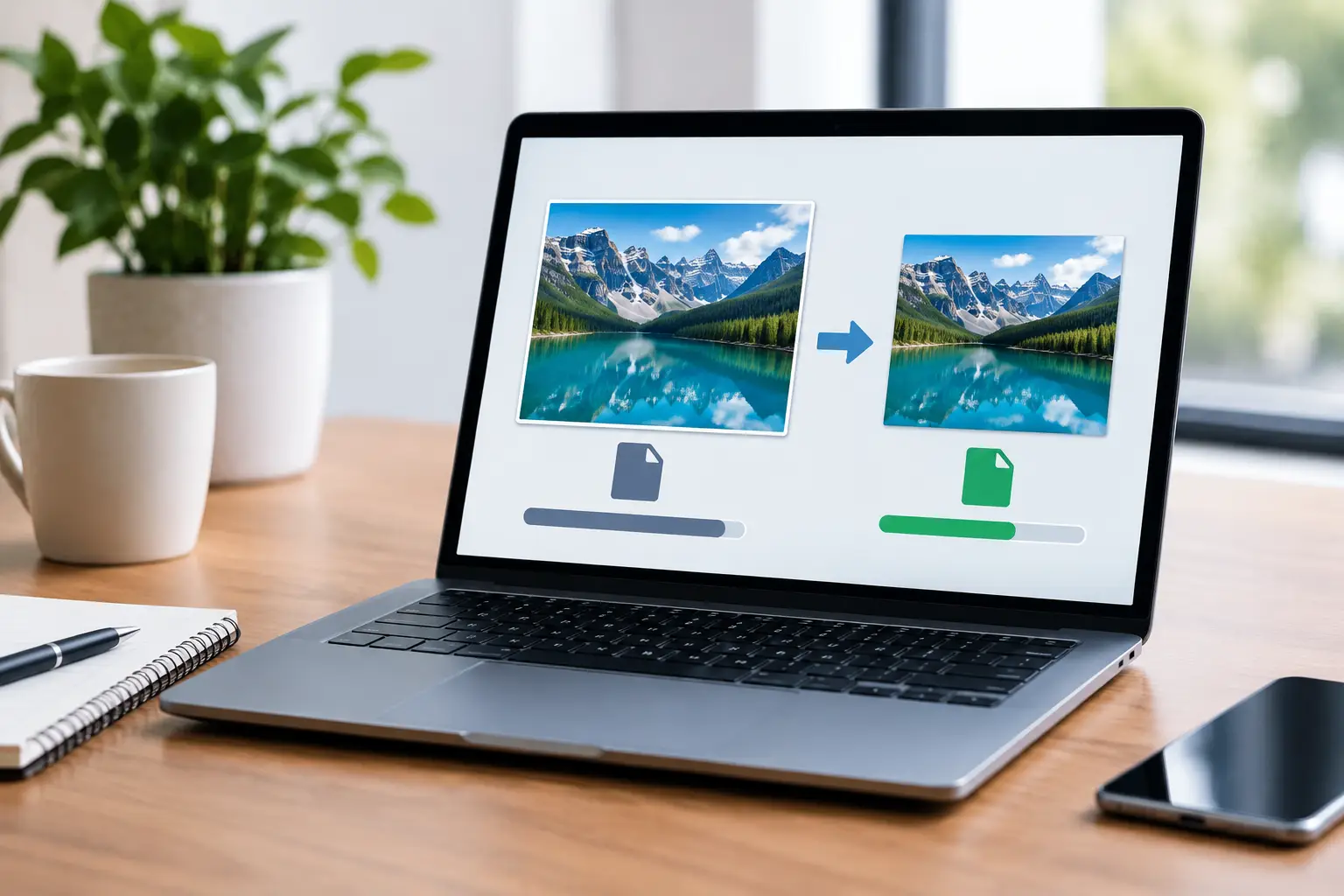
A homeowner clicks your Google Business Profile, lands on your services page, and sees a blank space where your project photos should be. A few seconds later, they leave. That is the real cost of oversized images. Website image compression helps your pages load faster, display properly on mobile, and keep potential customers moving toward a call, form submission, booking, or purchase.
For a local business, image quality still matters. Before-and-after renovations, menu photos, product images, team headshots, clinic interiors, and completed projects build trust quickly. The goal is not to make those images look cheap. It is to deliver them at a file size that does not slow down the website that is supposed to generate leads.
Why Website Image Compression Affects Leads
Large images are one of the most common reasons a business website feels slow. A single photo from a modern phone or professional camera can easily be several megabytes. Add a homepage banner, a project gallery, staff photos, and product images, and a page can become much heavier than it needs to be.
That weight affects real business results. Visitors on mobile data may wait longer for the page to appear. People comparing several contractors, clinics, or local providers may simply choose the site that responds first. Slow pages can also weaken user engagement signals and make it harder to get the full SEO value from otherwise strong content.
Speed is not the only reason to compress images. Properly prepared files help prevent layout shifts, reduce bandwidth use, and make the website feel more polished across phones, tablets, and desktops. For e-commerce businesses, faster product pages can reduce friction between browsing and checkout. For service businesses, they can make the difference between a visitor reading your offer and abandoning the page before they see your phone number.
Image compression is not a substitute for a well-built website, reliable hosting, clean code, or a focused landing page. It is one practical part of a larger performance strategy. But it is often one of the fastest improvements available because image files are usually within a business owner’s control.
What Website Image Compression Actually Does
Compression reduces the amount of data in an image file. There are two main approaches: lossy and lossless compression.
Lossy compression removes image data that most people will not notice at normal viewing sizes. It can reduce file size dramatically, but pushing it too far creates visible issues such as blocky details, blurry text, color banding, or rough edges around logos. It is usually the right choice for website photography when quality settings are handled carefully.
Lossless compression reduces file size without removing visual data. The image remains technically identical, but file savings are typically smaller. It can be useful for graphics that need sharp edges, although the right format often matters more than lossless compression alone.
The best setting depends on the image and where it appears. A large hero image needs enough quality to look professional on a wide screen. A small thumbnail does not need the same dimensions or file size. A product photo may need more detail than a background image. There is no single compression percentage that works for every website.
Choose Formats Based on the Job
JPEG remains a practical option for photographs and is widely supported. PNG is useful when an image requires transparency or crisp graphic detail, but it can create unnecessarily large files when used for standard photos. SVG is often ideal for simple logos and icons because it stays sharp at any size and is usually lightweight.
For most modern websites, WebP offers a strong balance of quality and file size. AVIF can reduce files even further in many cases, though workflow and support considerations may vary depending on the site platform and audience. A properly configured WordPress or Shopify site can often serve newer formats automatically while preserving suitable fallbacks where needed.
The format should follow the purpose of the image, not a blanket rule. Uploading every image as PNG because it looks “high quality” can hurt performance. Converting a detailed logo to a low-quality JPEG can make the brand look careless. Good website management means making those choices deliberately.
A Practical Image Optimization Process
Start before uploading. Resize the original image to the largest size it will actually display on the website. If a portfolio image appears at 1,200 pixels wide, there is little reason to upload a 5,000-pixel original. Compression cannot fully compensate for sending an oversized image to every visitor.
Next, export the image in the right format and apply sensible quality settings. Review it at the size visitors will see, not only while zoomed in on a design screen. Look closely at faces, text within images, fine lines, product edges, and color gradients. If those areas look clean, there is usually no reason to increase the file size further.
Then give the file a useful name before upload. “kitchen-remodel-toronto.webp” tells search engines and your team more than “IMG_4829.webp.” Use a concise, accurate description rather than stuffing every city and service keyword into the filename. The same principle applies to alt text. Describe what is visible and relevant to the page, especially when the image adds context for users who rely on screen readers.
Finally, make sure the website delivers the image efficiently. Responsive image settings allow smaller screens to receive smaller files rather than downloading a desktop-sized version. Lazy loading can delay offscreen images until a visitor scrolls toward them. These settings are useful for long service pages, galleries, and product catalogs, but the main image at the top of the page should be handled with care. Lazy loading a key hero image can make the first visible section feel slower.
For businesses with existing sites, the work often starts with an audit. Review the pages that matter most: your homepage, primary service pages, location pages, top landing pages, and high-traffic product categories. There is little value in optimizing an old blog image while a five-megabyte homepage banner is slowing down every new visitor.
Common Mistakes That Hurt Image Quality or Speed
The first mistake is compressing an image repeatedly. Each lossy export can reduce quality. Keep the original source file in a separate folder, then create optimized web versions from that source when needed.
The second is using one image size everywhere. A wide desktop banner, a square social preview, and a mobile card image all have different requirements. Cropping and resizing for the placement improves both composition and page speed.
Another common issue is putting critical text inside a hero image. A promotional graphic may look fine on a large monitor but become unreadable on a phone. It also prevents search engines and assistive technology from reading the message as page content. When possible, use live text over an optimized image background.
Businesses also sometimes remove images too aggressively after hearing that speed matters. That can make a website feel generic and less credible. Original project photos, real team imagery, and clear product photography help visitors trust the business. The better answer is to use fewer, stronger images and prepare each one properly.
How to Tell if Your Images Need Attention
A site does not need to feel painfully slow before image optimization becomes worthwhile. Warning signs include pages that load images in stages, oversized photos in the media library, blurry photos on mobile, banner images that crop awkwardly, or pages with many large galleries.
Review performance on a real phone using cellular data, not only on an office Wi-Fi connection. Open your most important page, scroll through it, and pay attention to when the main image appears and whether content jumps as photos load. Then compare the experience with a few local competitors. This simple test often reveals where a website is giving away leads.
Drop That Code approaches image work as part of a broader lead-generation website strategy. The point is not to chase a technical score for its own sake. It is to make sure prospective customers can reach your services, proof of work, and contact options without unnecessary delay.
Your best images should make a business look established, capable, and worth contacting. When those images load quickly and look right on every screen, they do more than decorate the page. They help the next customer stay long enough to choose you.